

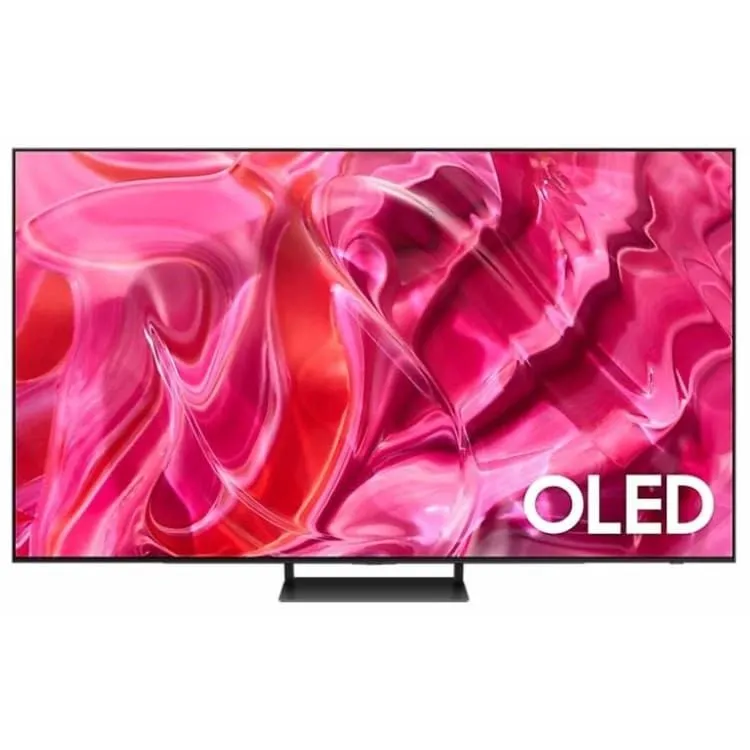
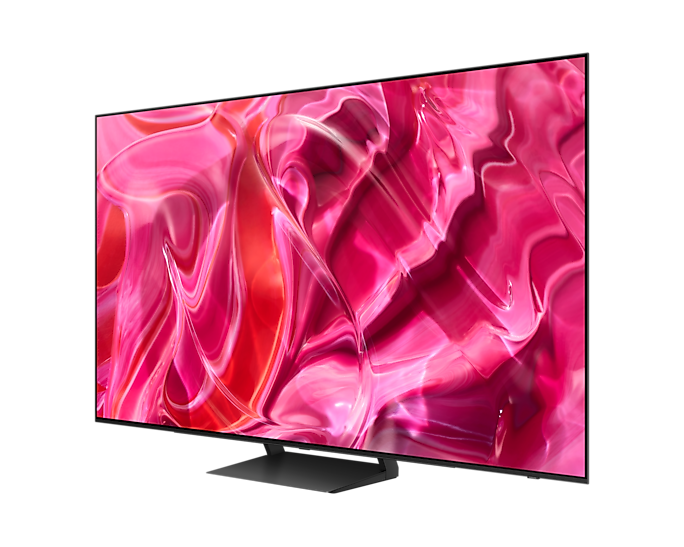
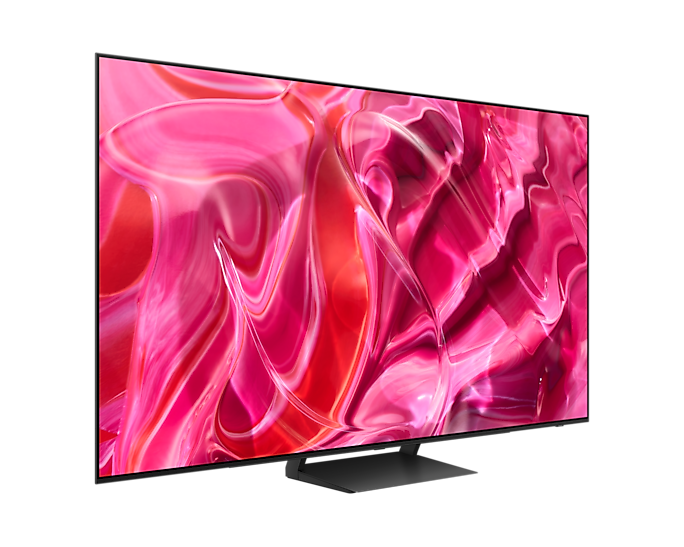


Samsung 4K UHD Smart LED TV
 |
Supersize your Wow
|

| Top 4 Features
|

|
Supersize Picture Enhancer AI-powered image enhancements tailored to a super large screen AI-driven upscaling, noise reduction, sharpness reinforcement and intelligent black enhancement technologies all work together to deliver an optimal picture tailored for a super-sized screen.
|
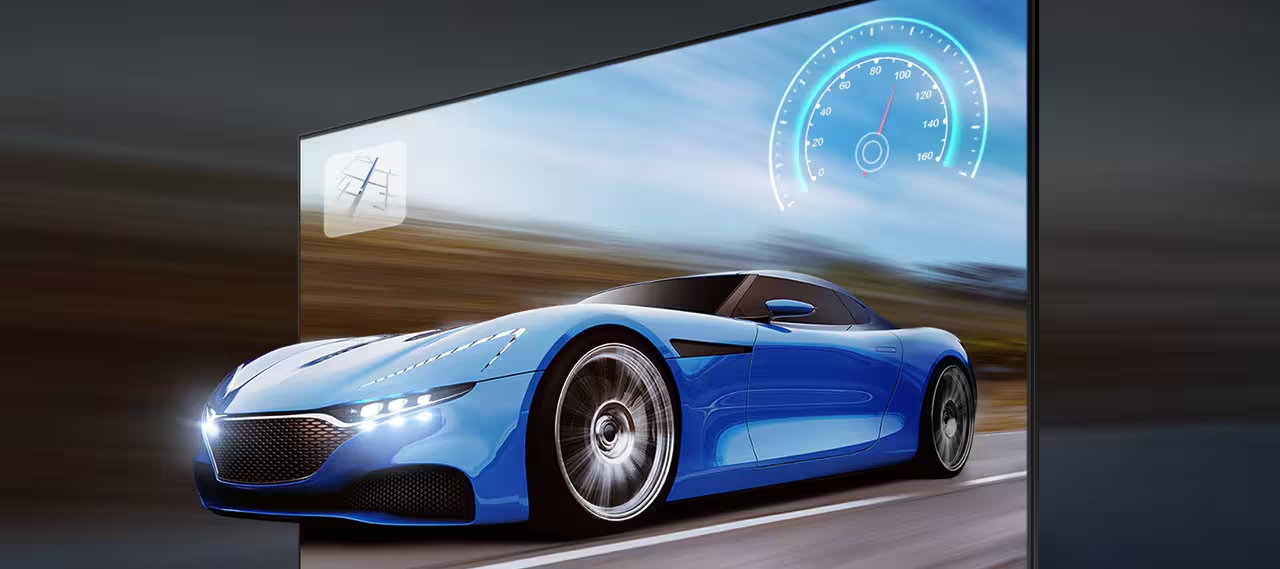
| Motion Xcelerator 120 Hz
Get crisp, clear motion for the gaming content you love with up to 4K resolution and a 120Hz refresh rate.
With amazing motion enhancements, Motion Xcelerator 120Hz delivers outstanding motion performance to support VRR gaming at up to 120Hz so you can finally take down all your enemies even at high speeds.
|
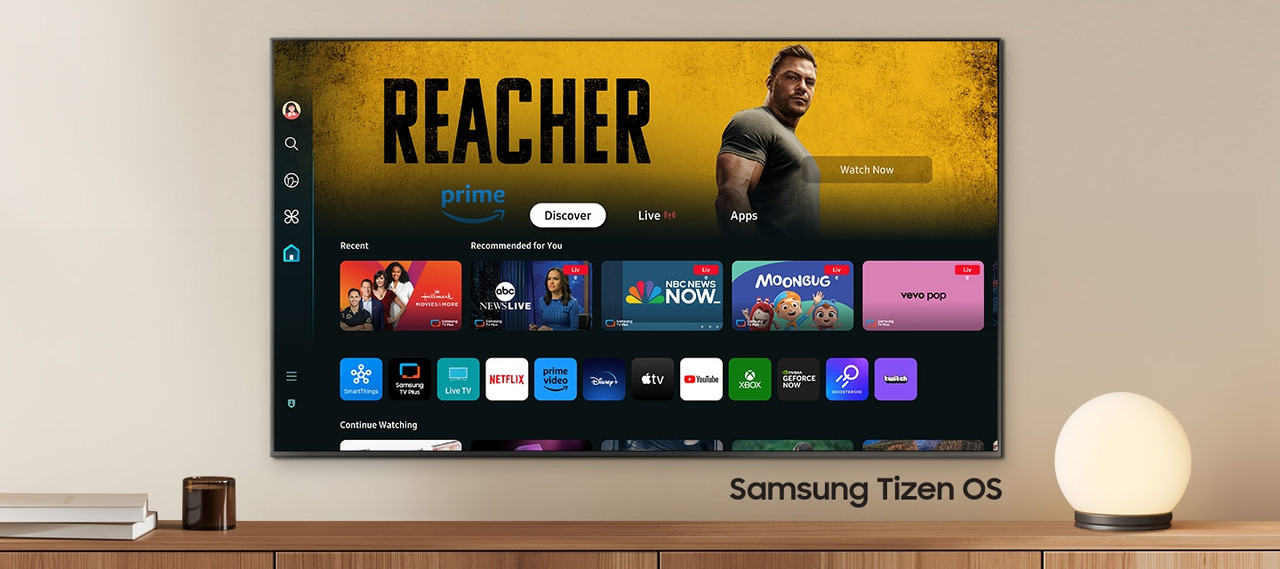
| Samsung’s Tizen operating system
Upgrade your entertainment system with Samsung’s Tizen operating system
Enjoy more TV with the latest apps and services in Samsung Tizen. Enjoy free live TV channels and thousands of movies with Samsung TV Plus, and seamless cloud gaming with Gaming Hub. You can also manage your daily activities with Daily+ and control your smart devices from your TV with SmartThings.
|
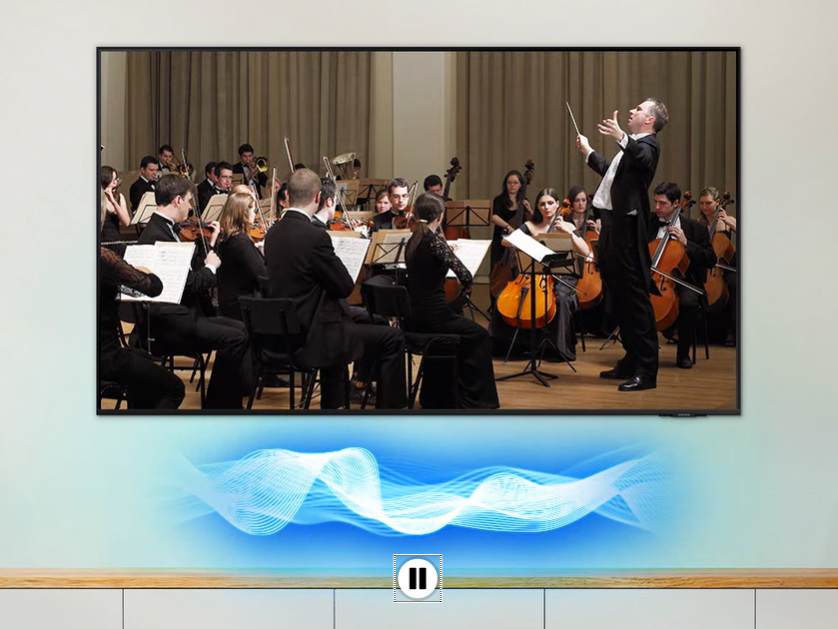
| Q-Symphony System
Perfect synchronization between TV and soundbar
Surround yourself with the wonderful sound harmony of your TV and soundbar. Q-Symphony technology allows the TV and soundbar speakers to operate simultaneously for a better surround sound effect, without muting the TV speakers.
|
Picture Quality
| Contrast Optimizer
Enhanced depth and color perception
Contrast Optimizer dynamically adjusts your screen’s contrast, resulting in an enhanced sense of depth and color when viewing content.
|

| HDR (High Dynamic Range)
Better contrast with rich dark tones and bright light tones
HDR increases the ratio between the brightest and darkest areas of a scene so you can enjoy a wide range of colors and visual details, in both bright and dark scenes.
|

Gaming Experience

Automatic Low Latency Mode (ALLM)
Faster, smoother gameplay characterized by low input latency
Automatic Low Latency Mode automatically sets the ideal latency settings for your games, allowing for smooth gameplay and seamless response to your commands. |
Game Bar Optimize your gaming experience Bigger and wider TV screens with 21:9 and 32:9 ratios give you expansive views and a heightened gaming experience.
Optimize your gameplay even more with Game Bar for easy access to various game settings.
|

Sound
| Adaptive Sound
Enjoy audio optimized for your content
Adaptive Audio includes Audible Scene Intelligence, which optimizes audio based on real-time scene analysis by content type.
|
OTS Lite
Immersive virtual sound that tracks movement on the screen
3D surround sound, made possible by the sound from the virtual overhead channel, lets you immerse yourself in the audio experience with all your senses. |

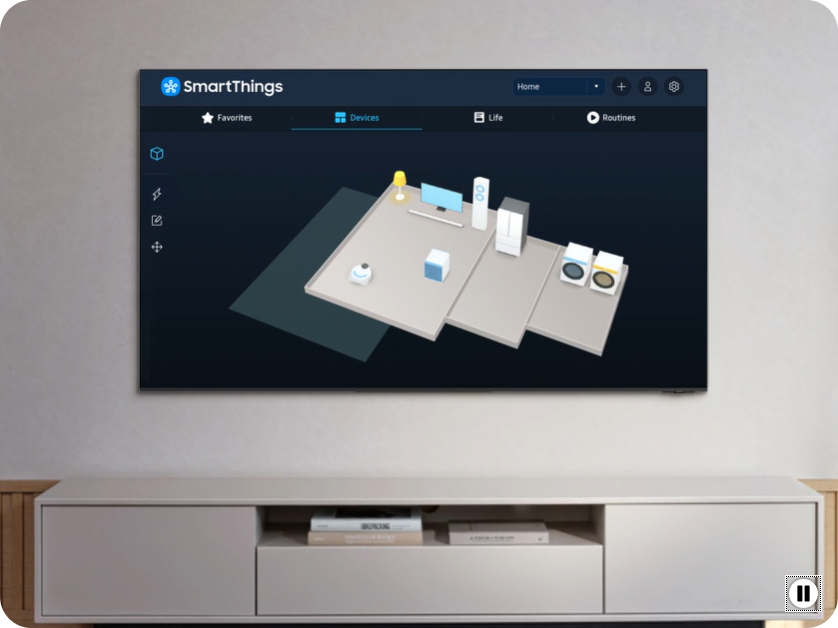
SmartThings
|
3D Map View Your TV as the control center of your home and IoT devices Better manage your home by intuitively monitoring and controlling your home appliances and IoT devices from a 3D map of your house.
Easily view and get notifications on the status of your smart devices on your TV screen.
|
| Multi View
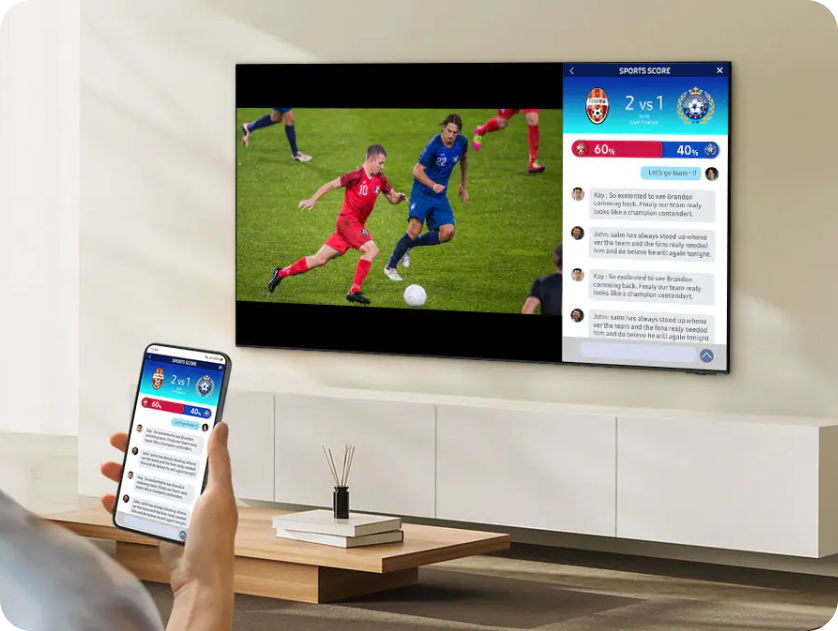
See it all on one screen Watch what’s on TV and your mobile on the same screen at the same time. Whether it’s live stats for sports or cheat videos for games, simply connect your phone and multi-screen like never before.
You can also enjoy optimized multi-tasking and watch content simultaneously.
|
Security & Sustainability
|
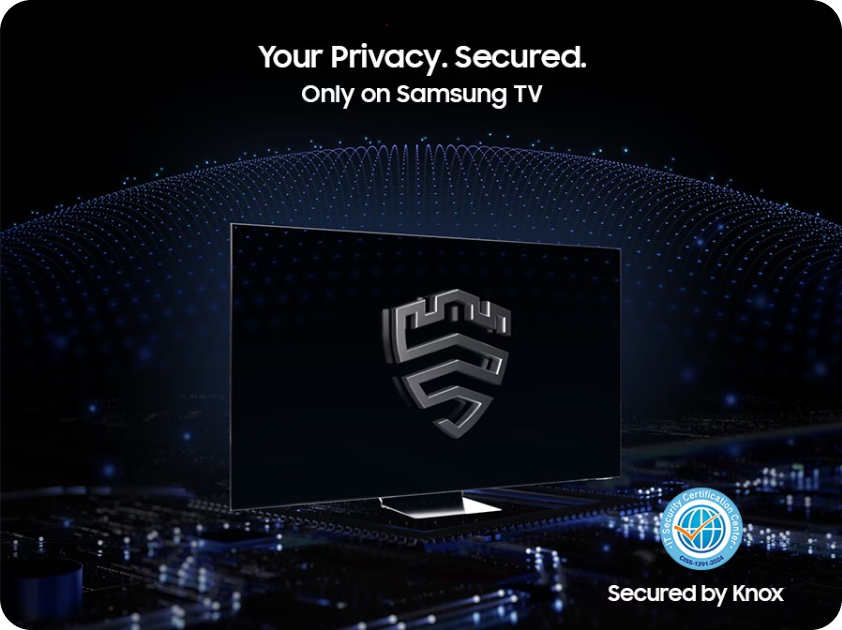
Samsung Knox Security Your privacy. Secured. Your privacy is now secured on Samsung TVs. Your sensitive data such as pin codes or passwords are protected by multiple layers of software and hardware.
Also, Samsung Knox Security secures the home IoT devices connected to your TV and automatically blocks execution of unauthorized malicious apps or access to phishing sites.
Lastly, Samsung’s dedicated security team helps keep your TV safe with regular updates.
|
|
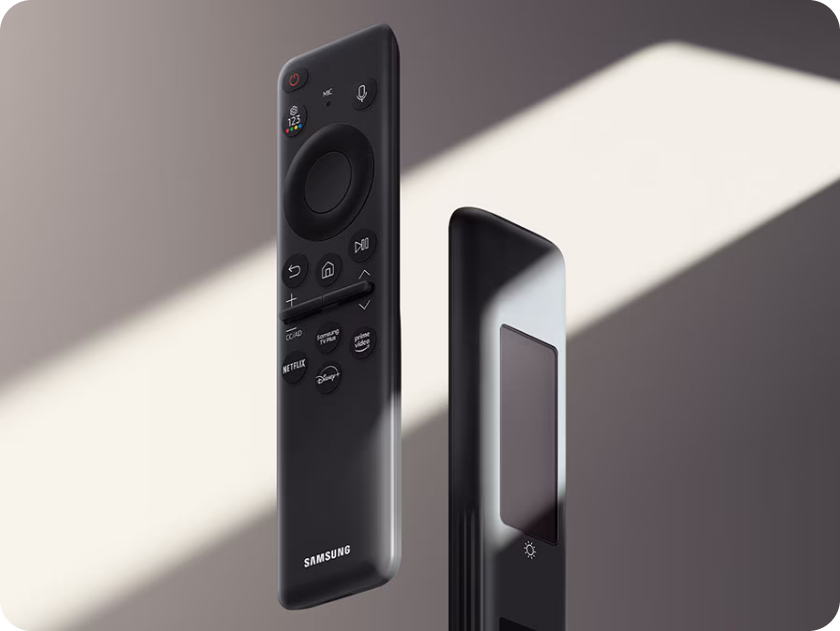
SolarCell Remote A remote control made with recycled materials and charged by sunlight and indoor lighting With a solar panel on its back that you can use for charging, you no longer need to use disposable batteries for SolarCell Remote, as they are not the best for the environment.
|
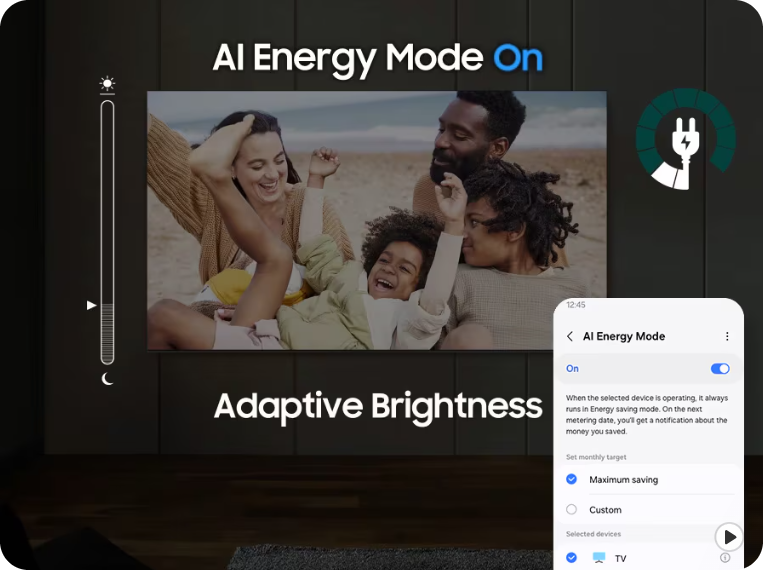
| AI Energy Mode
Saves energy with intelligent analysis Energy saving is made easy with SmartThings. By turning on AI Energy Mode, your TV auto-detects surrounding light levels and analyzes usage behaviors to adjust the brightness, which helps in reducing overall energy consumption.
It also analyzes TV content scene-by-scene to subtly adjust brightness where possible, to cut down on energy consumption.
|